

UX/UI design includes research, user journeys, wireframes, prototypes, interface design, and design systems that support development.
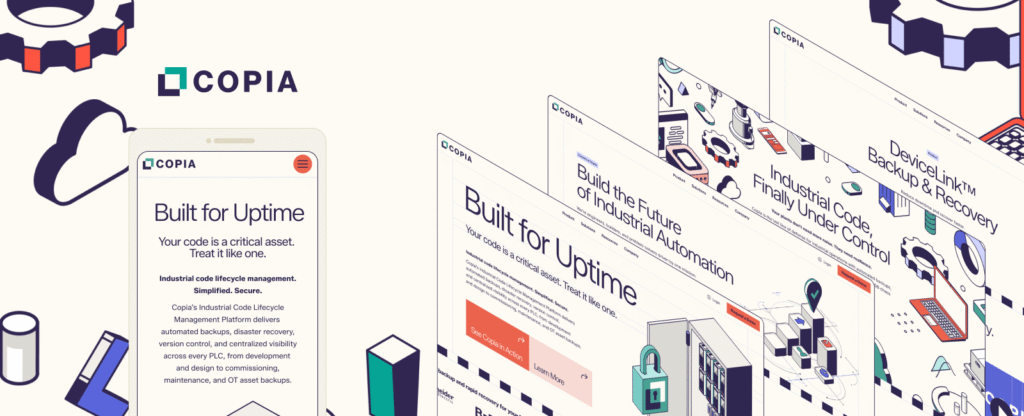
Client: Copia
Good software solves real problems. Great software feels intuitive while doing it.
Punch designs software interfaces that help users move faster, understand systems quickly, and trust the product. Our UX/UI work blends strategy, usability, and visual design to create experiences that are clear, functional, and scalable.
Strong UX/UI should:
Reduce friction and confusion
Improve usability across workflows
Support adoption and retention
Make complex tools feel simple
Scale as features evolve
If users struggle to understand the interface, the product is harder to sell.


How Punch Approaches UX / UI Design
Our process blends user insight, clean design systems, and real-world product workflows.
01
Discovery and Requirements
We start by understanding the user, the environment, and the business goal. Then we define what the product needs to do.
Includes:
- Stakeholder interviews
- Feature definition
- Requirements mapping
02
User Journeys and Information Architecture
Before interface design begins, we map how users move through the product and structure the experience to support speed and clarity.
Includes:
- User flows
- Journey mapping
- Information architecture
- Wireframes
03
UX Prototyping
We build prototypes that allow teams to validate structure, navigation, and workflow before engineering begins.
Includes:
- Clickable prototypes
- Workflow design
- Usability validation
04
UI Design and Visual Systems
We design clean interfaces that align with the brand and improve usability through hierarchy, spacing, and interaction.
Includes:
- UI design
- Layout systems
- Component libraries
- Responsive views
05
Design Systems and Documentation
To support scaling and future development, we create design systems that engineering teams can build against confidently.
Includes:
- Design systems
- Style guides
- Component documentation
06
Iteration and Collaboration
We work closely with product owners and developers to ensure designs translate into real builds and evolve with sprint cycles.
Includes:
- Sprint collaboration
- Design iteration
- Ongoing product support
Who UX / UI Work Is For
Punch works with:
B2B Technology
B2B Technology
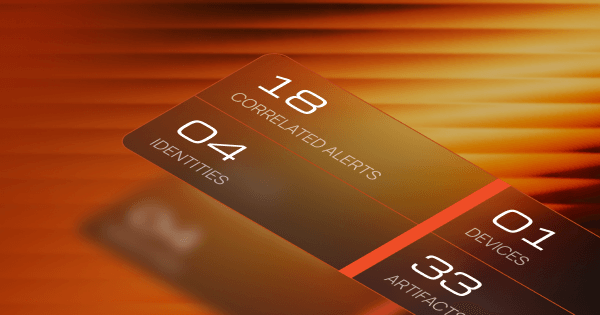
Government Contractors (B2G / GovCon)
Government Contractors (B2G / GovCon)
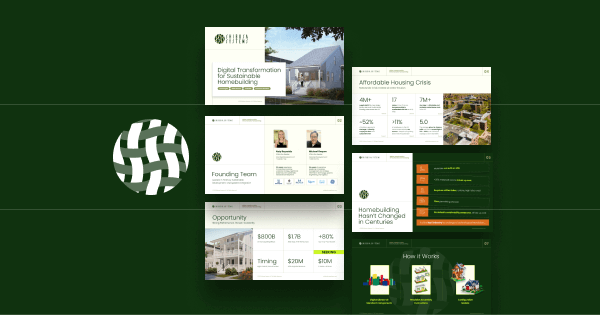
Startups
Startups
Nonprofit Organizations
Nonprofit Organizations

Government
Government
Cybersecurity
Cybersecurity
We understand how to design for technical users, high-pressure environments, and mission-critical workflows.
 Design Software
People Want 
to Use
If your product is powerful but difficult to use, UX/UI becomes the unlock.
FAQs
Does Punch work with internal development teams?
Yes. Punch regularly collaborates with internal engineering teams to ensure designs integrate smoothly into sprint workflows.
Can Punch design software for both desktop and mobile?
Yes. Punch designs responsive interfaces and mobile-friendly experiences based on user needs and product environment.